Moving a Candidate Through the Process
The status progression. Your team moves each candidate through a sequence of statuses as the review advances. The full path from application to approval is:
Candidate → Under Review→ Provisional → Approved→Active
Each step is a manual status change you make on the CBM Member record. There are no automated transitions — every move is your team’s deliberate decision.
Advancing the status. To move a candidate to the next status:
- Open the CBM Member record from the dashlet or from the CBM Members list.
- Select Edit.
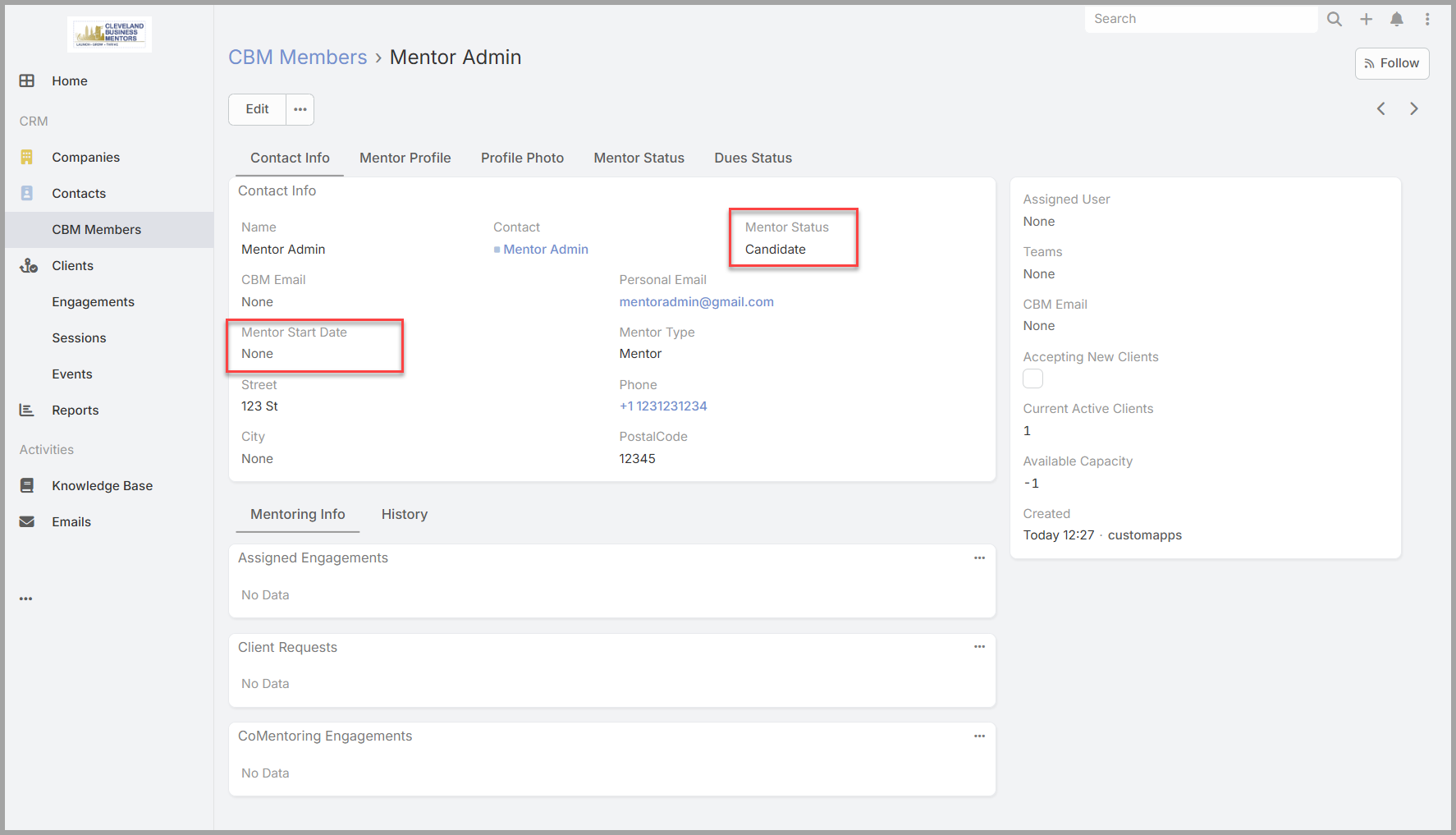
- Find the Mentor Status field and change it to the appropriate next value.
- Select Save.
The record updates immediately and the change is recorded in the Stream.
What each step means.
- Candidate → Under Review.The application has passed your initial review and is moving forward. Use this when you’re satisfied with what the candidate submitted but want a further evaluation step — a second review, a conversation, or additional consideration — before making a final decision.
- Under Review → Provisional .The application has passed further review, and the Mentor Candidate has been granted Provisional status to do co-mentoring and complete the required training to be approved.
- Provisional → Approved.The candidate has been accepted as a CBM mentor. This is your team’s final decision. When you set status to Approved, also set the Mentor Start Date field to today’s date — this records when the candidate was formally accepted into the program.
- Approved → Active.The candidate is accepting solo mentoring sessions from the Client Assignment Team.
Setting the Mentor Start Date. The Mentor Start Date is set at the same time you move status to Approved. It’s on the CBM Member record alongside the Mentor Status field — set both in the same edit and save together.