Reviewing a Candidate Application
Opening the Mentor application. Once you have selected a Mentor to review, open their CBM Member record by clicking on their name.
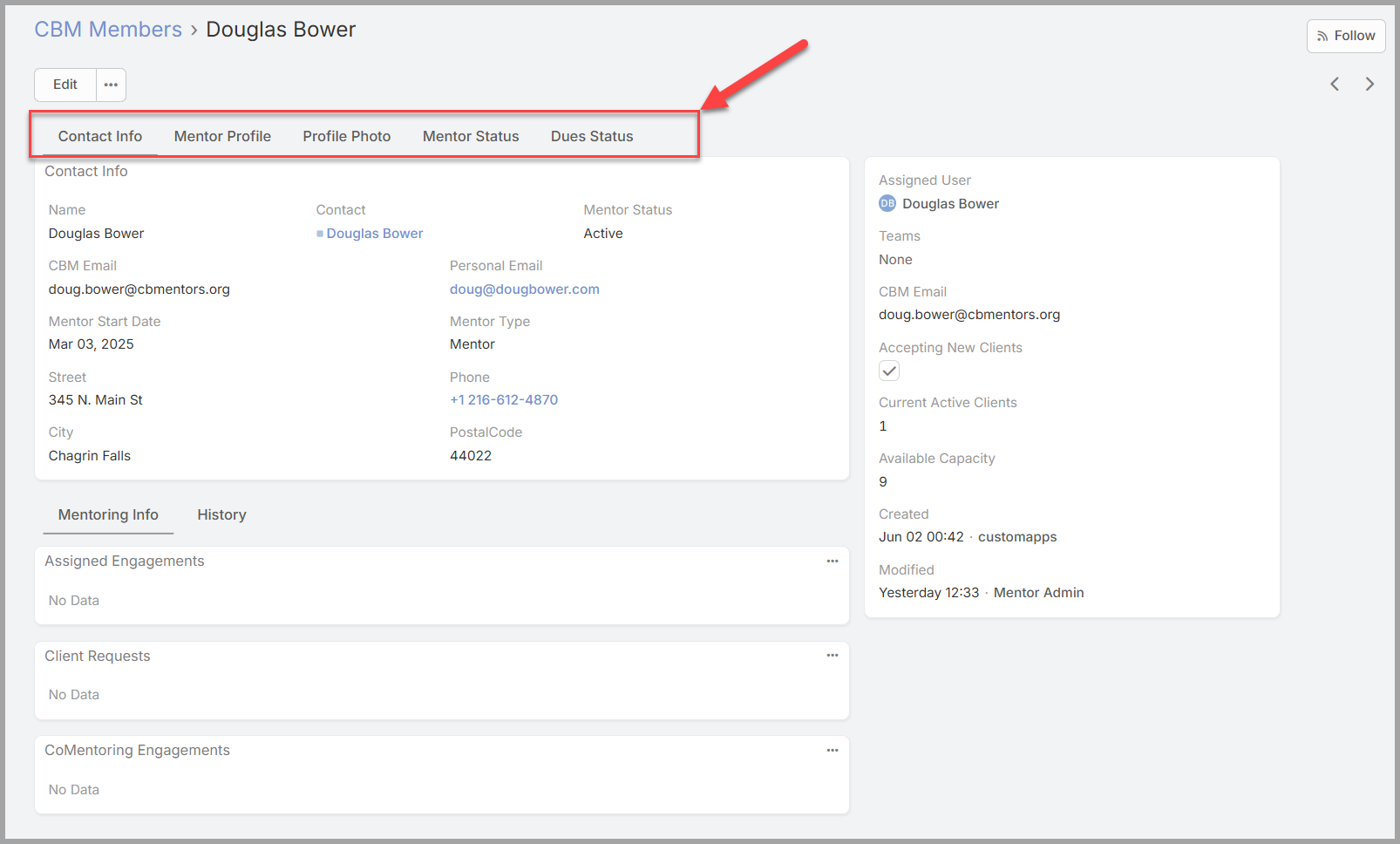
The CBM Member detail form segments the data about the member into tabs across the top of the page. Members of the Mentor Review Team can see additional tabs that other CBM Users cannot. Specifically the Mentor Status and Dues Status Pages.
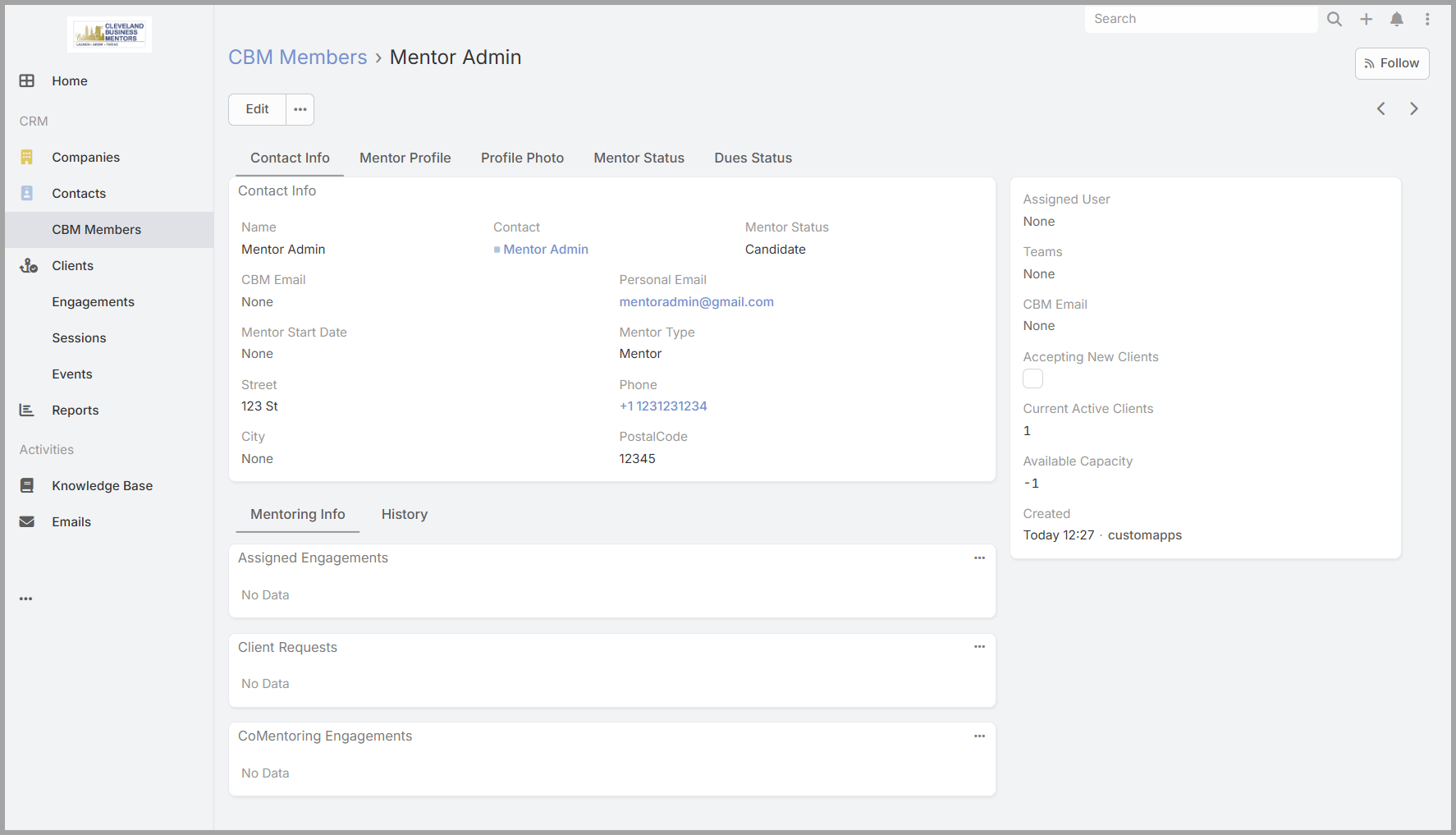
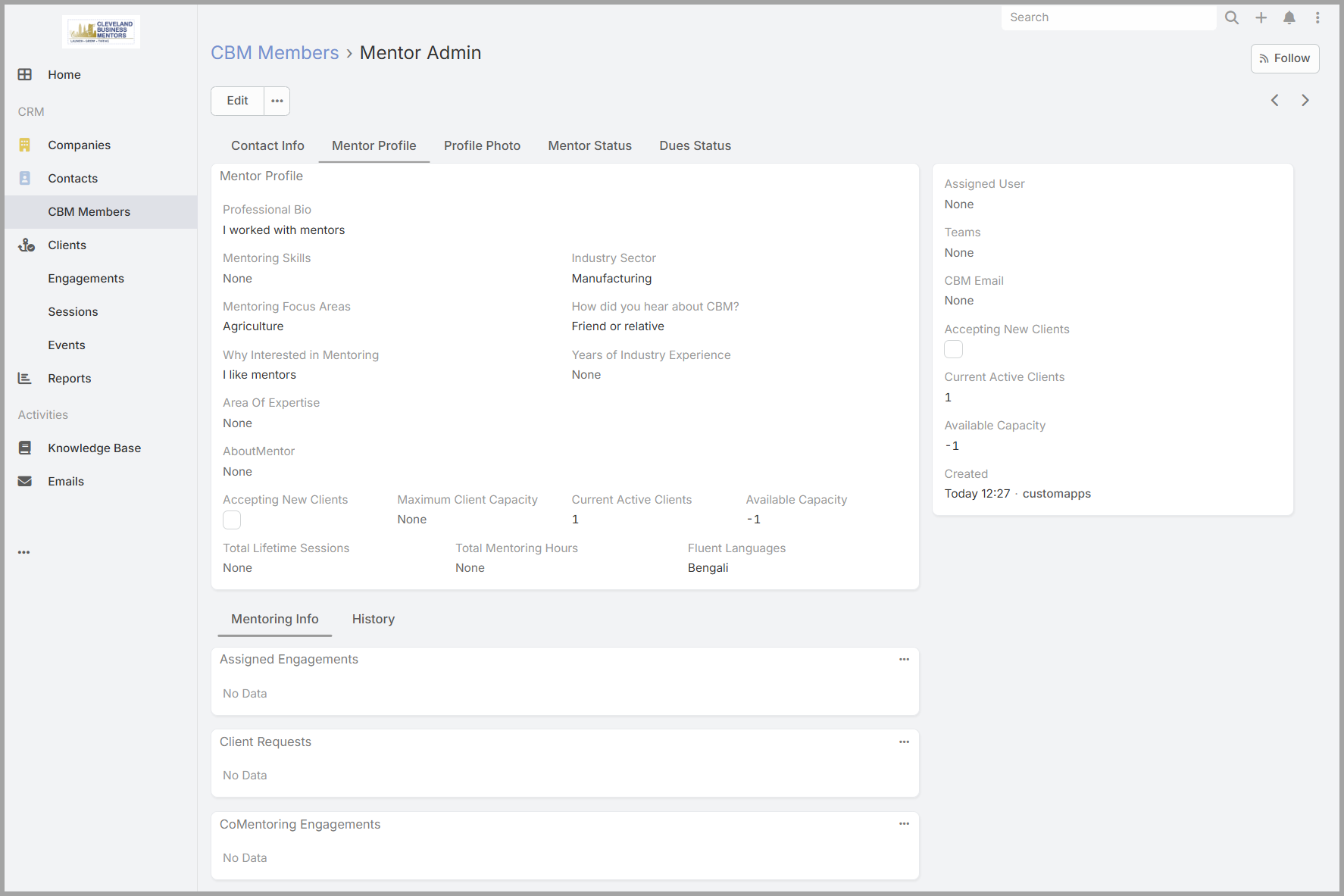
The Contact Information tab shows the person’s name and contact details from their Contact record. The Mentor Application information is stored on the Mentor Profile tab — select it to see what the candidate submitted.
What to look at. There’s no scoring sheet or checklist — the review is a judgment call based on what the candidate has shared. The fields that matter most are:
- Professional Bio— does the candidate have a credible professional background that would serve CBM clients well?
- Area of Expertise— does their expertise align with the kinds of help CBM clients need?
- Mentoring Skills— have they described relevant skills or experience that would make them an effective mentor?
- Industry Sector and Mentoring Focus Areas— do these fill a gap in CBM’s current mentor roster, or strengthen an area already well covered?
- Why Interested in Mentoring and How Did You Hear About CBM— useful context for understanding the candidate’s motivation and how they found their way to CBM.
Taking notes during review. If you want to record observations or questions as you work through an application, use the Mentor Status Notes field on the Mentor Status tab. These notes are not generally visible to other members outside of the Mentor Review Team, but may be visible in some circumstances.