
Keeping Your Engagement Current
Most of your record-keeping happens session by session (Section 3). Between sessions, there are two things you may want to keep up to date on the engagement itself — its status and any notes — and both are largely at your discretion.
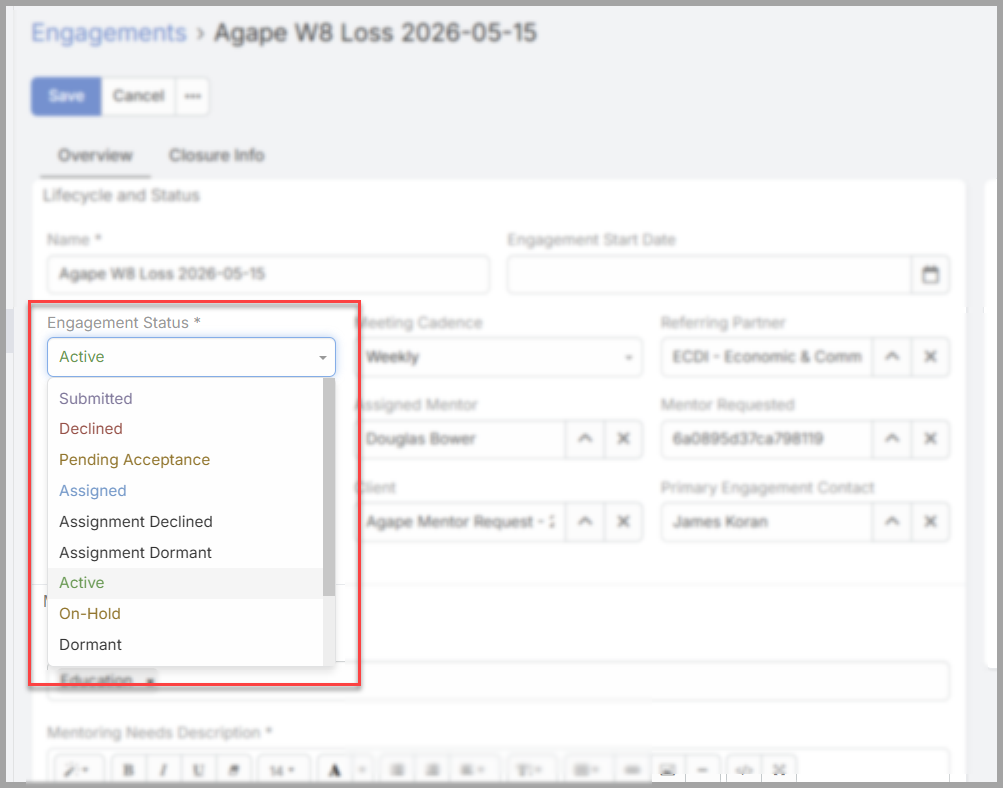
Status. An engagement stays Active while you're working with the client. You can change that when the situation shifts:
-
Move it to On Hold if the mentoring pauses for a while.
-
Move it to Complete when the engagement has run its course.
This is your call as the mentor, and updating it keeps coordinators informed about where the relationship stands. To change it: open the engagement, select Edit, set the Engagement Status, and Save.
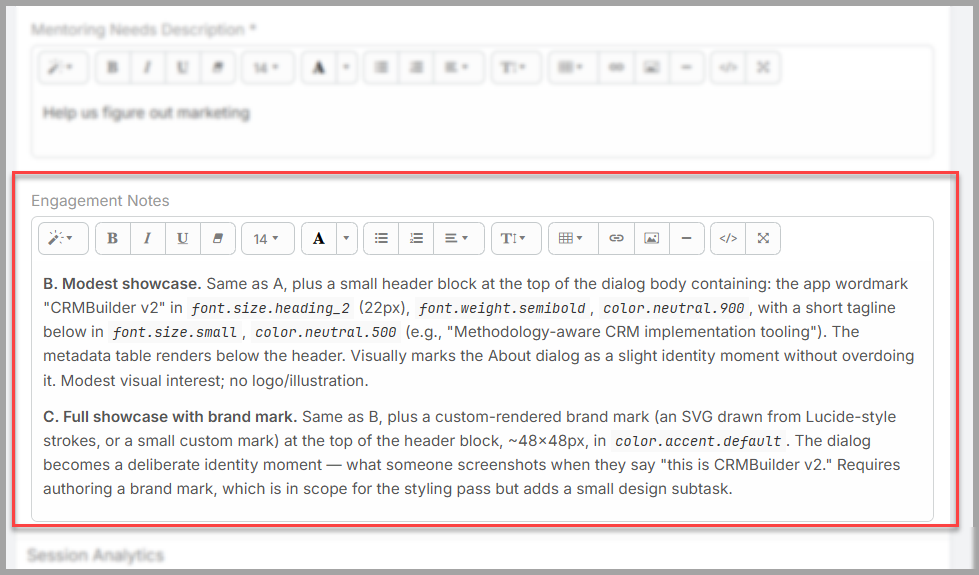
Notes. Where you keep your notes is up to you. You can record developments on the engagement itself, or keep them on the individual Sessions as you go. Either works — choose whatever keeps your record clear and easy to pick up later. Many mentors keep the meeting-by-meeting detail on the Sessions and use the engagement only for the bigger picture.
Adding a co-mentor, or stepping off an engagement. You can also change who's mentoring an engagement. To bring in a co-mentor, add them to the engagement's Assigned Mentor and Assigned Users fields; for them to see the client's people and record, they'll also need to be the Assigned User on the engagement's contacts and the client (your Client Assignment team can help with this). To step off an engagement and hand it to someone else, remove yourself from those fields once another mentor is in place — that transfers the client to them.
In short. Move an engagement to On Hold or Complete when the situation calls for it, and keep your notes wherever suits you — on the engagement or on its Sessions. The aim is simply a record that you, a coordinator, or another mentor could pick up and understand.
No comments to display
No comments to display