
Tracking Upcoming Sessions
One place for what's coming up. The CRM has its own Calendar, reached from the left-hand menu, and it's linked to your Google Calendar. That means the next-session meetings you create in Google Calendar (Section 4) appear here too — so you can see your upcoming sessions inside the CRM without switching tools.
Using the calendar. Open Calendar from the left-hand menu to see your scheduled sessions laid out by day, week, or month. Select any entry to see its details — when it is, who's invited, and the meeting link. Because the CRM Calendar and your Google Calendar stay in step, anything scheduled in one shows up in the other, giving you a single reliable picture of what's ahead.
Staying on top of your engagements. Glance at the week to confirm your next sessions are on the books and that nothing has slipped — especially right after you've logged a session and sent the next invite (Sections 3–4).
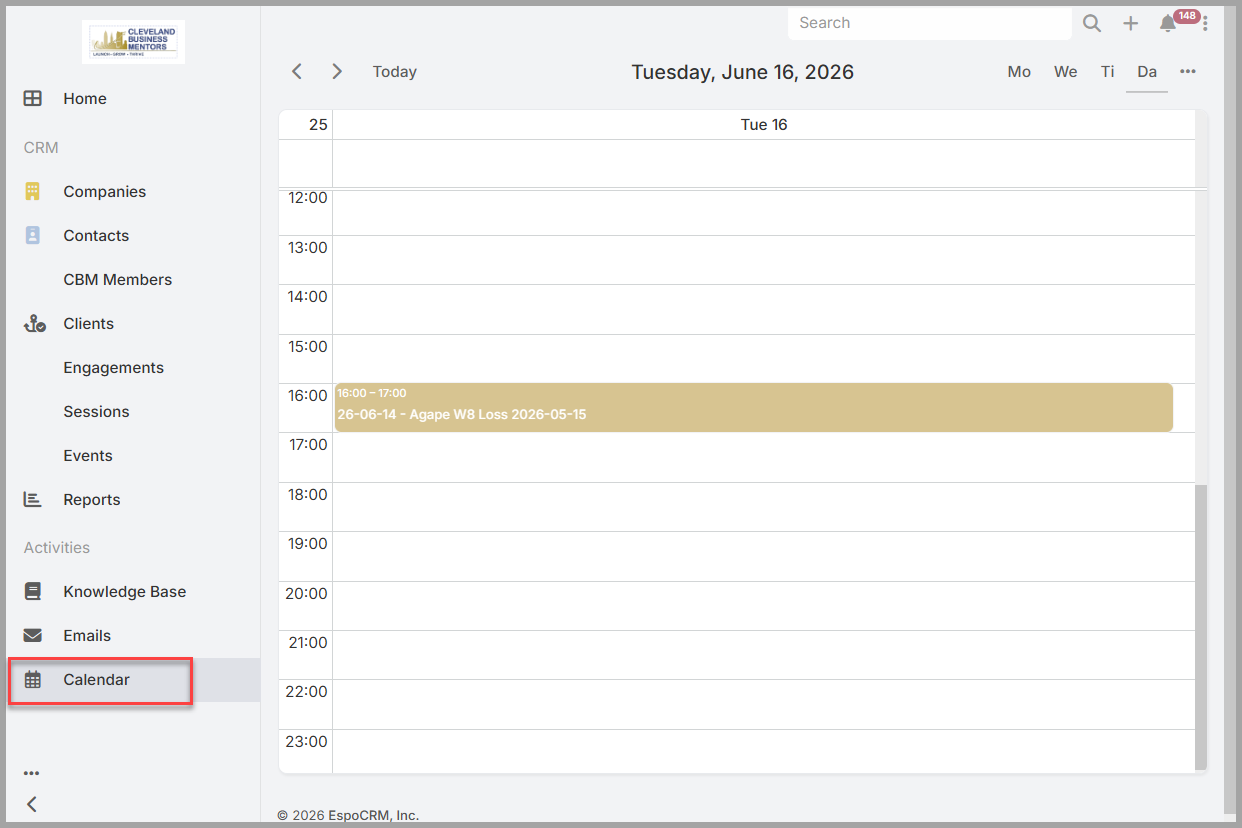
he CRM Calendar — your scheduled sessions, kept in step with Google Calendar.
No comments to display
No comments to display